SEO Reporting Software
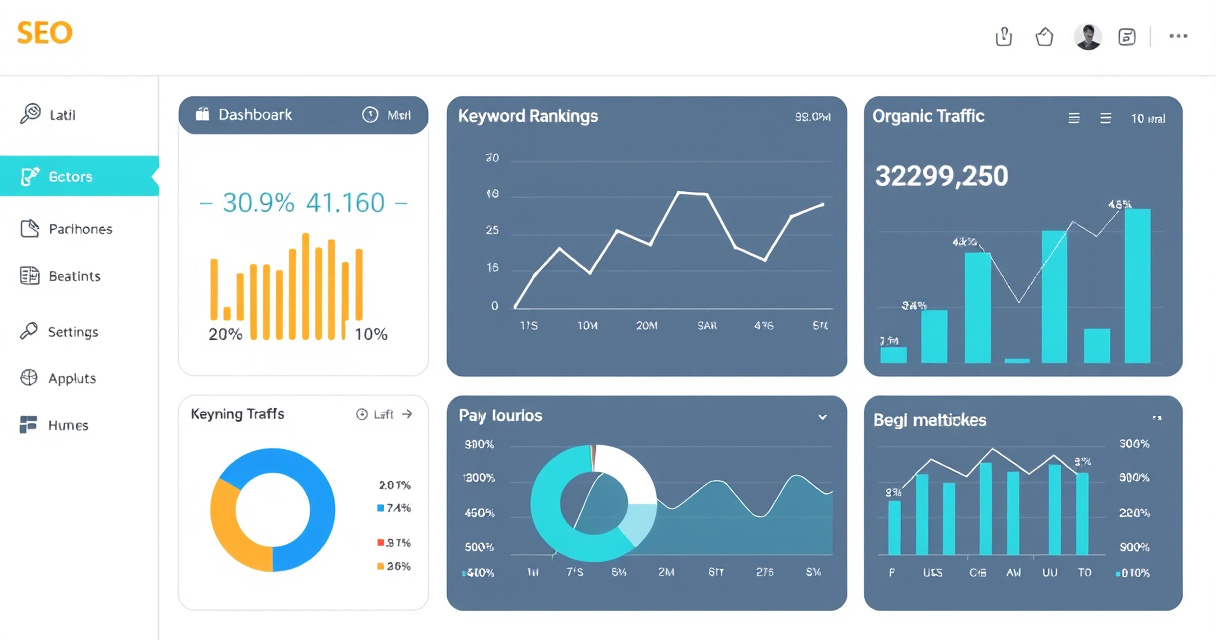
SEO reporting software is a tool that collects, organizes, and visualizes search performance data so teams can monitor SEO results in one place.
Key takeaways
- SEO reporting software combines data from multiple sources into one dashboard or report.
- It automates delivery and reduces manual spreadsheet work.
- Dedicated tools focus on dashboards; all-in-one platforms include reporting as a feature.
- White-label reporting is a key feature for agencies.
- Free options like Looker Studio exist but require manual setup.
It turns raw data from multiple sources into clear, shareable reports for stakeholders and clients.
What It's Used For
- Monitor keyword rankings over time and compare against competitors.
- Track organic traffic trends from Google Analytics and Search Console.
- Visualize backlink growth and link quality changes.
- Report technical SEO issues (crawl errors, Core Web Vitals) in dashboards.
- Automate client reporting with scheduled PDF or CSV exports.
- White-label reports for agencies to brand as their own.
- Combine data sources into one view (e.g., GA4 + GSC + rank tracker).
Quick Start Workflow
- Connect your data sources – Link Google Analytics, Search Console, and any rank tracker or backlink tool.
- Choose a template – Select a pre-built dashboard or report template for SEO.
- Customize metrics – Add key KPIs like organic sessions, keyword positions, conversions, and backlinks.
- Set up automation – Schedule daily, weekly, or monthly report delivery via email.
- Share or export – Send live dashboard links or export as PDF/CSV for stakeholders.
When Not to Start Here
- You only need raw data – If you just want to pull numbers without visualization, use Google Search Console or Analytics directly.
- You have no data sources yet – Reporting software is useless without connected tools like GA4 or a rank tracker.
- You need deep technical analysis – For detailed audits, use dedicated tools like Screaming Frog or Sitebulb.
- Budget is extremely tight – Free options like Looker Studio require manual setup; paid tools start around $30–$100/month.
Alternatives
| Tool | Type | Best For |
|---|---|---|
| Looker Studio | Free dashboard builder | Custom reports from multiple sources |
| AgencyAnalytics | Dedicated reporting platform | Agencies needing white-label reports |
| Semrush | All-in-one SEO platform | Reporting within a full SEO toolkit |
| Ahrefs | All-in-one SEO platform | Backlink and rank reporting |
| Databox | Business dashboard | Real-time KPI tracking |
Next step
FAQ
What is SEO reporting software?
It collects and visualizes search performance data from multiple sources into dashboards and automated reports.
What are the best SEO reporting tools?
What metrics should an SEO report include?
Key metrics include keyword rankings, organic traffic, backlinks, conversions, technical issues, and visibility changes over time.
Related topics
Sources
- Google Search Central — Authoritative guidance on search performance data.
- Google Search Console Help — Primary source for search performance reporting.
- Google Analytics Help — Authoritative source for traffic and conversions.
- Google Looker Studio Help — Official documentation for dashboarding SEO data.
- SE Ranking Blog — Current overview of reporting tool categories.
Reviewed by Lucía Marín, Founding editor.