SEO Tracking
SEO tracking is the ongoing process of measuring search performance with tools like Google Search Console and Google Analytics so you can see what is ranking, what is driving traffic, and what needs improvement.
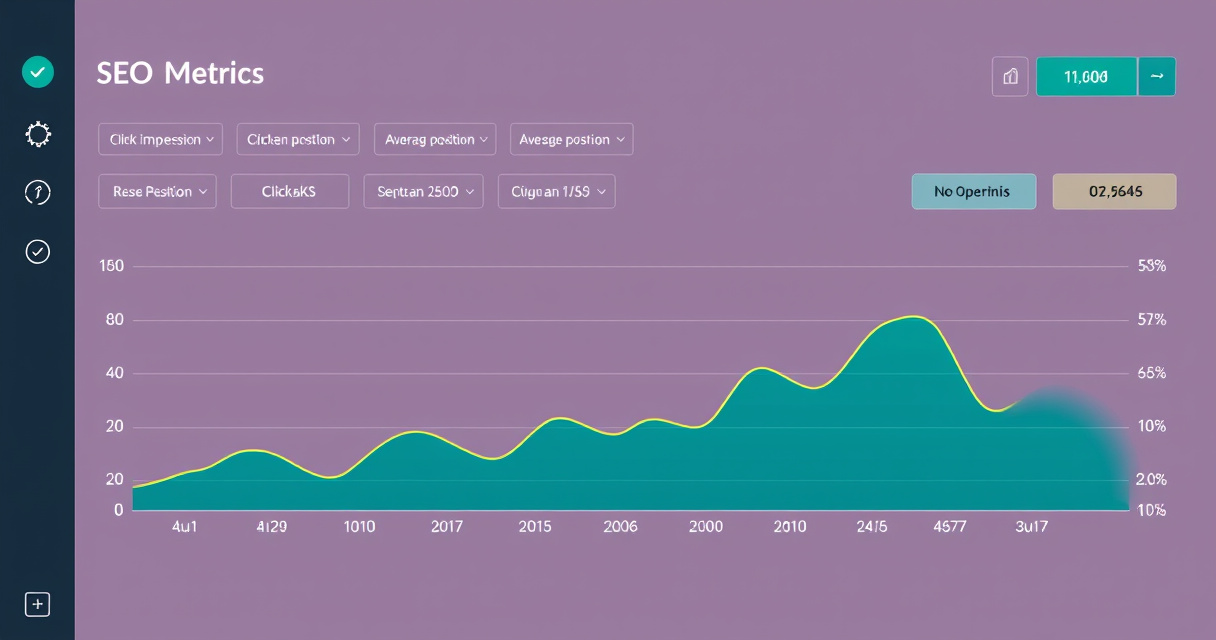
Key takeaways
- Focus on a small set of business-relevant KPIs, not every available metric.
- Google Search Console and Google Analytics 4 are the core free tools for baseline tracking.
- Track rankings, traffic, clicks, CTR, and conversions — not just rankings alone.
- Set a regular cadence: daily for spikes, weekly for trends, monthly for conversions.
- Compare year-over-year data to separate real growth from seasonality.
SEO tracking turns optimization into a measurable workflow: it shows whether changes improve rankings, clicks, traffic, and conversions.
Example: Tracking a Blog Post's Performance
You publish a guide on 'best running shoes.' After one week:
- Google Search Console shows 1,200 impressions, 45 clicks, 3.8% CTR, average position 11.2.
- Google Analytics 4 shows 40 organic sessions, 2 conversions (newsletter signups).
- You compare with last month's data: impressions up 20%, but CTR dropped from 4.5%.
- Action: Improve the meta description to boost CTR, and check if the page loads fast on mobile.
Quick Start: Set Up SEO Tracking in 5 Steps
- Verify your site in Google Search Console.
- Connect your site to Google Analytics 4 and set up conversion events (e.g., purchases, form submissions).
- Define your core KPIs: clicks, impressions, CTR, average position, organic traffic, conversions.
- Set a tracking cadence: daily for rankings and traffic spikes, weekly for CTR and impressions, monthly for conversions and year-over-year trends.
- Create a simple dashboard in Looker Studio or a spreadsheet to review data regularly.
How to Judge If Your Tracking Setup Is Working
- You can answer: 'Which pages drive the most organic traffic and conversions?'
- You spot drops early: a 30% drop in impressions triggers a check for technical issues or algorithm updates.
- You compare year-over-year: separates real growth from seasonality.
- You act on data: tracking leads to specific changes (e.g., updating meta descriptions, fixing broken links).
- You avoid data overload: you track 5–7 KPIs, not 50.
Common Mistakes in SEO Tracking
- Tracking too many metrics instead of a small set of business-relevant KPIs.
- Looking only at rankings and ignoring traffic, clicks, CTR, and conversions.
- Reviewing short-term changes without comparing against longer periods or year-over-year data.
- Not setting up GA4 conversions, sitewide tagging, or Search Console verification before reporting.
Next step
FAQ
What is SEO tracking?
SEO tracking is the process of monitoring organic search performance using tools like Google Search Console and Google Analytics to measure rankings, traffic, and conversions.
What tools are best for SEO tracking?
Free tools include Google Search Console and Google Analytics 4. Paid tools like Semrush, Ahrefs, and Moz Pro offer advanced rank tracking and reporting.
How often should I track SEO metrics?
Daily for rankings and traffic spikes, weekly for CTR and impressions, monthly for conversions and year-over-year trends.
What metrics should I track for SEO?
Focus on clicks, impressions, average position, CTR, organic traffic, conversions, indexed pages, and Core Web Vitals.
Related topics
Sources
- Google Search Central — Primary source for how Google Search works, Search Console, indexing, and performance reporting.
- Google Search Console Help — Official documentation for clicks, impressions, CTR, average position, sitemap submission, and indexing coverage.
- Google Analytics Help — Official source for GA4 events, conversions, attribution, and organic traffic reporting.
- Semrush Blog — Widely used industry reference for practical SEO metrics and tracking workflows.
- Screaming Frog — Common technical SEO crawling tool used in audit and tracking workflows.
Reviewed by Lucía Marín, Founding editor.